Which platform should I use for my travel blog?
On my last posts about Blogging (how to start a successful travel blog and things you should know before starting a travel blog) I mentioned that there are different platforms to choose from and that you should be really careful with your choice, because it can limit your success in the future, specially if you go for the wrong one.
So after mentioning this, of course I had to write a post on what’s the best platform for travel blogging.
Disclaimer: this post may contain affiliate links, meaning I will get a commission if you make a purchase through these links, at no extra cost to you. This allows me to receive compensation for the time and effort invested in creating the best content for you. Thank you for your support!
Please bear in mind that there are plenty of platforms available for travel blogging and with increased demand, there might be more in the future. On this blog post I will be covering the most popular ones: Medium, WordPress.com, WordPress.org, Squarespace, Wix and Blogger.
Medium
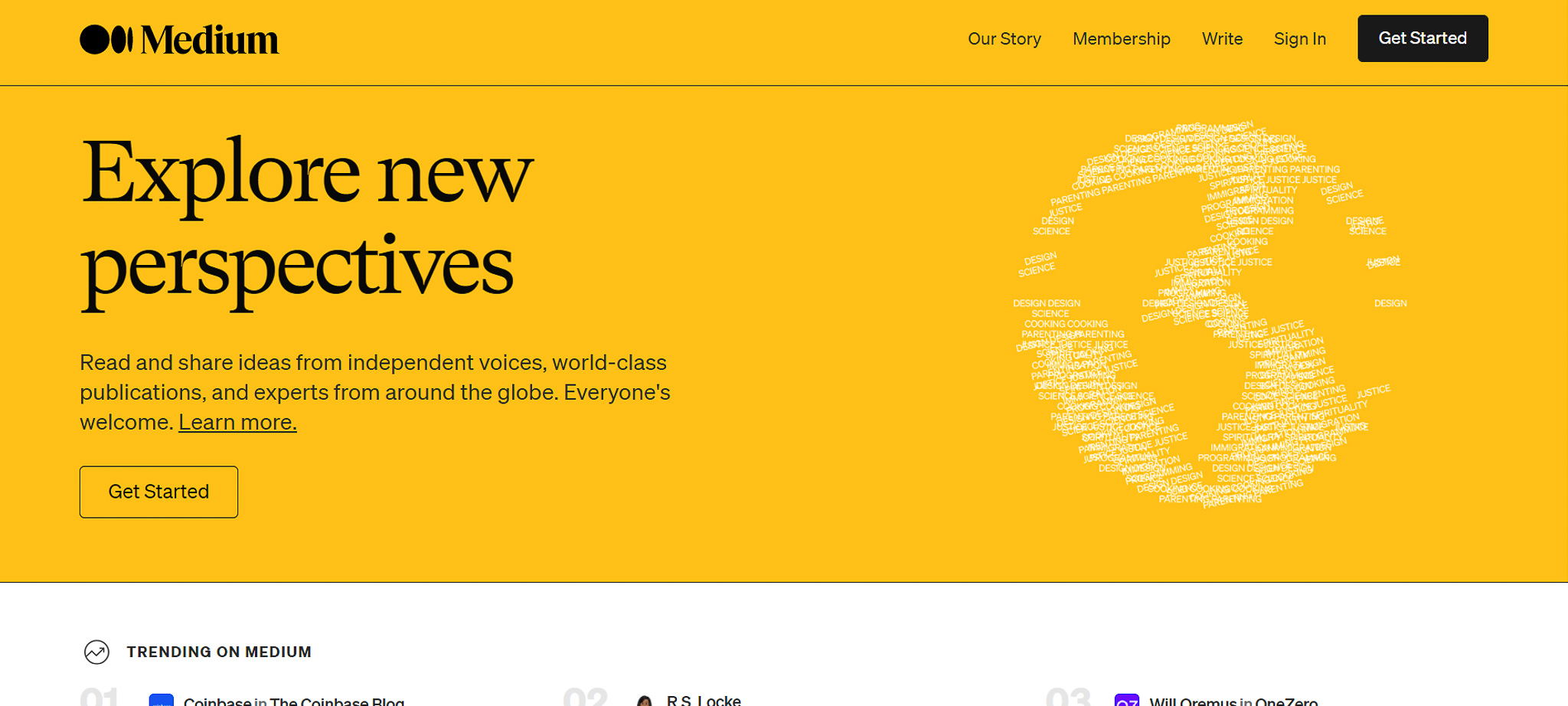
Medium is a website where people can write articles and get paid for it thanks to their Medium Partner Program. Kind of like YouTube pays its creators for uploading videos on the platform, Medium pays its writers for writing great articles on their website (except you get paid from memberships instead of ad revenue).
The website was created by the founders of Twitter to compensate for the limit of 140 characters per tweet and motivate people to write long form content, and it soon grew into a huge community of avid readers, many of them becoming subscribers by paying $5 a month in order to unlock unlimited access to their articles (what they call “stories”). When a subscriber reads one of your posts, you get a small portion of their membership. Since their membership is divided by the posts they read, you will get a higher payment from a subscriber who reads only 1-2 posts on that month comparing to one that reads 25. This means that you can earn a quite decent amount with fewer views than you would on a blog post where you’re getting paid for the advertisement you display to your readers. That being said, it is also true that you can’t quite estimate your revenue since it will fluctuate from one user to another.
On Medium you can create a writer profile, add links to your external website and gain Medium followers, who are more likely to read your upcoming stories.
Another great thing about Medium is the fact that there is a faithful audience that has been around for a while, and you can get your articles exposed to them. According to one of their articles written at the end of 2019 by Casey Botticello, Medium it’s a mobile friendly website and receive most of its traffic from it, it’s stories can rank quite high on Google Search and the website has nearly 100 million monthly readers and between 200-400 thousands of subscribers – a huge reach potential.
So in other words, you will have a lot more eyeballs on your Medium story than what you would on a post from your own website, especially if you’re just starting out.
So what is the catch?
Your content will be published into a website you don’t own (not the best for travel blogging). You can set up Google Analytics but it’s difficult. There will be rules you will need to abide by and if the website goes down eventually, so does your content, audience and earnings (just like any other non self hosted platform really). You have little to no control on things like customisation, and it won’t be an ideal platform if you want to make money outside of it: your readers are Medium users and not necessarily your brand fans. You can’t use Medium as a portfolio to showcase your work to brands and you can’t sell products to your users nor write sponsored posts. Affiliate links are permitted (if disclosed, of course, and in long form instead of shortened) but you are not allowed to display ads. Please read all of the Rules HERE.
But even though Medium might not be the best platform for travel blogging, it does have a place in the blogging space, since you can republish your blog posts on Medium. And why would you do that? Well, you will not only be able to reach a wider audience with your story (meaning bigger affiliate revenue on top of the payment from the Medium Partner Program), but you will also help your blog SEO thanks to backlinking, since your Medium story will contain a link to the original post. Just make sure you import it to Medium after a few days (maybe a month to be safe) of publishing it on your own blog. On top of that, people can actually click on the link to the original post and visit your website if they’re interested.
While it is true that travel is not a popular topic when it comes to Medium readers, it’s still worth a shot, since you have nothing to lose by repurposing your content there.
Publishing on Medium it’s like working as a freelance for a company: people have access to your services, but they do so through someone else’s company, and you don’t have access to their client’s contacts nor are allowed to market anything to them. However, by working for that company, you will gain exposure to their already-built clientele and get paid for it. Occasionally, some clients might love your work and contact you directly to have access to your own services in the future.
PROS
CONS
In summary, Medium isn’t the best platform for travel blogging, especially if you want to create your own brand and business, and I would not recommend it as the only platform you publish your content. Instead, I would recommend starting your blog elsewhere and importing your posts to Medium later on for extra revenue and further exposure.
WordPress.com
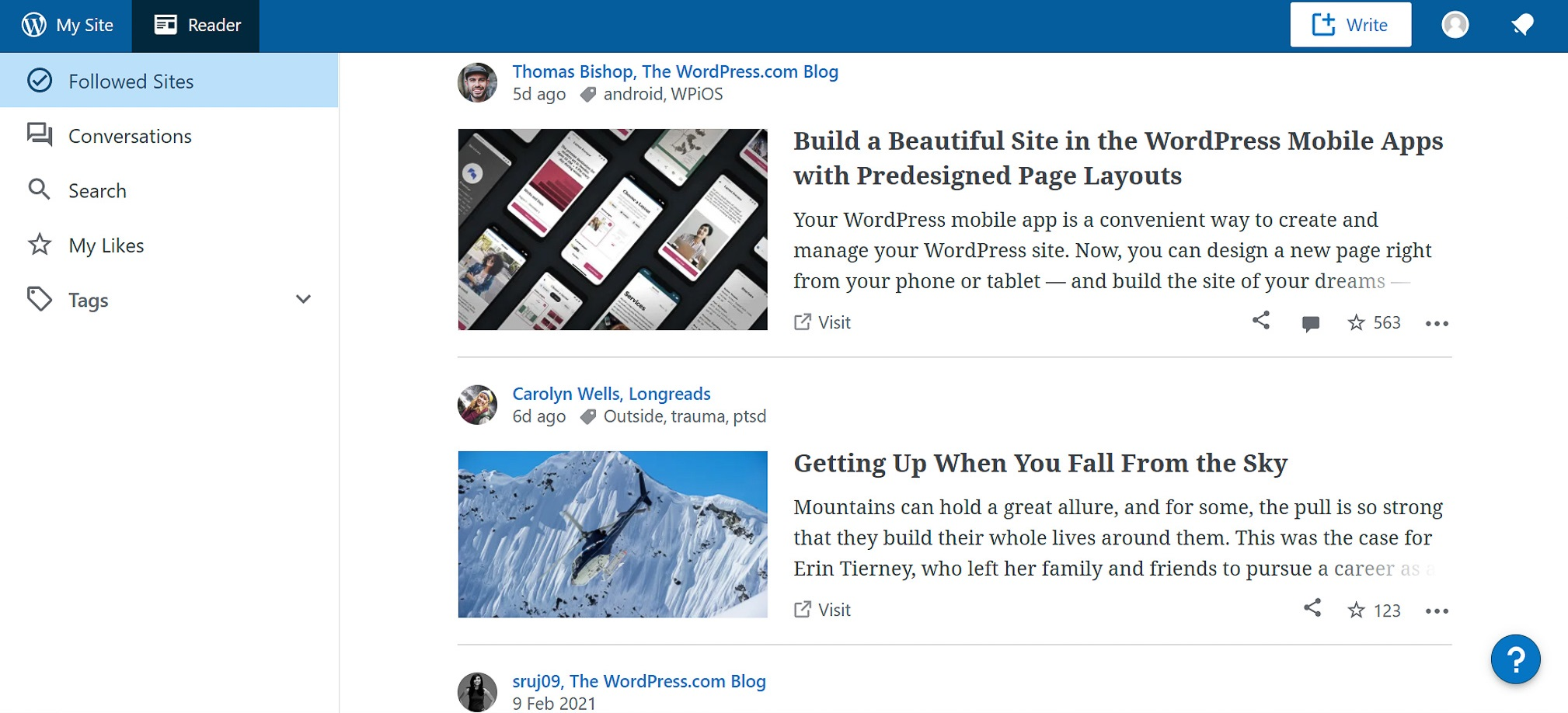
Over the years, many people have been misled to believe that there is only one WordPress, and since everyone talks great things about it, that is the best platform for travel blogging and they should absolutely create their website on it. The problem is that there are two different WordPress platforms: WordPress.com (the one that generally pops up on the top of the page when searching for “WordPress”) and WorPress.org (the one that people are often referring to as the best platform for blogging).
WordPress.com is a website where you can easily sign up for FREE and start creating your own website inside of their platform. You can choose from a variety of different themes, create different pages and posts, manage your analytics and much more, all inside of the platform.
By creating your website on WordPress.com, you will have your content hosted on the platform so you don’t have to pay for hosting nor worry about backups and security – as all of that is handled by them.
But of course, there is a reason why most people will prefer WordPress.org over WordPress.com (am I saying WordPress too many times?)
WordPress.com is a very easy and straightforward platform to use, but it has its limitations: monetisation, customisation and the fact that you’re trusting all of your content to a platform you don’t own.
Just like with Medium, by having your content on a platform that you do not host yourself, you risk having your website and data deleted if anything ever happens to the platform or even if they decide to do so. According to their Terms of Service, they “may terminate your access to all or any part of” their “Services at any time, with or without cause, with or without notice, effective immediately“.
Monetisation is also a big issue when you have your blog on WordPress.com: not only the platform places ads on all free websites (you will have to upgrade to a Premium plan to remove them if you don’t want to advertise on your website/blog), but you won’t be earning any money from these ads unless you join WordAds (available only to certain Premium plans) and on top of that, your earnings will be very low as you will be sharing the revenue with WordPress.
Customization is extremely limited too: you’re not able to purchase external themes, install external plugins nor access the HTML of your page. In other words, you’re limited in regards to how your website can look and how your website can perform:
- You probably won’t be able to make it look like you want. Every theme available in the platform will have limitations. You might find a theme that looks good, but doesn’t serve the purpose of your blog – or the other way around. On top of that, you’ll have to keep the copyright information of the theme on your blog, as well as a “Power by WordPress.com” link. In order to work around some of these issues, you will have to upgrade to a considerably pricey plan.
- You will be unable to do coding tweaks to your posts and pages (unless you upgrade to a certain Premium plan)
- WordPress has some built-in plugins that you can use in order to do stuff
like embedding YouTube videos or Google Maps onto your blog posts, but they’re not compatible with every media type.
Generally speaking, even though it starts off as a FREE platform to build your blog, it will cost you a great deal of money if you want to have a more customisable and functional website (including Google Analytics), and you will still have limitations. That is why WordPress.com is not the best platform for travel blogging.
PROS
CONS
In summary: Having in mind all of the limitations that come with blogging on WordPress.com, and the amount of money you would need to pay for different features, this is not the best platform for travel blogging and I can only see the platform benefiting those who want to blog for fun, don’t want to look professional, don’t care about the design of the blog and don’t want to make any money from it. But then again… you might change your mind in the future, so I would recommend other platforms still if this is you. So please, keep on reading.
WordPress.org
WordPress.org is a FREE downloadable version of the WordPress.com software, that you can install on your computer and work on it to develop your own website – this time, without limitations (and of course, a lot more complexity). Once more, this is the “WordPress” most people refer to when recommending it as a great website platform – and even as the best platform for travel blogging.
WordPress.org is probably the most customisable platform to design your website. With a wide variety of themes available on the market (many of them highly customisable), and plenty of plugins that you can use, you’re in control of the look and functionality of your website. This means you can add widgets to display stuff like YouTube videos, your Instagram feed or Google Maps on your posts, display advertisement, create pages that are only accessible to members, sell digital goods, collect e-mails and other data from your readers, and so much more. The sky is the limit!
It will be a lot easier to have a professional-looking website (as long as you choose the appropriate themes and plugins, and you really know what you’re doing) and readers will take you seriously for that.
Other positive points of WordPress.org are the fact that displaying ads it’s easy and you can earn all of the revenue without having to share it like with WordPress.com, it’s very SEO friendly and you will be able to use Google Analytics or any other analytics platform you wish.
Because of all of this, over 30% of the Internet websites are powered by WordPress and many big companies use it. This makes it easier to find tutorials, forums and help whenever you have a query about WordPress, as there is a big community around it.
So… with so many advantages to use WordPress, why do people use other platforms? Is WordPress.org not the best platform for travel blogging?
Well, the reality is: there’s pros and cons to anything in life, and the almighty WordPress.org is no exception.
WordPress.org is self-hosted, so you will need to pay for your domain and web hosting in order to get your website up and running. Hosting is fairly cheap as you start (you can literally spend under £100/year on your blog, especially if you use hosting platforms such as Bluehost), but it will certainly become pricey as you start getting more and more traffic (but obviously you should be earning enough to cover the extra costs by then). Of course you will also have the extra expenses of buying your domain, paid themes and paid plugins, but that’s something you will have with any other platform. And while being self-hosted means paying for hosting on a frequent basis, it also means that you are in full control of your content and you’re not placing it on a separate platform that can turn your website down with or without notice.
Another disadvantage to using a self-hosting website is the fact that you will be responsible for everything on it including design, SEO, functionality, security, spam, backups, speed checks and updates – and let’s admit it, all of that can be a bit overwhelming as a beginner who doesn’t even know what SEO means. But you will learn, and with the help of some plugins and some reminders, you will be able to deal with everything. Hacking is unfortunately more common on WordPress.org than on other platforms, and even though you can inform yourself on things to do in order to prevent it, you’re still going to be at a higher risk than if your website was not self-hosted.
PROS
CONS
In summary: WordPress.org is huge in blogging and it’s easy to see why. Looking at all the pros and cons, it’s difficult to beat it, hence why most people will recommend it as the best platform for travel blogging. The most common reasons why someone would choose a different platform will either be because they’re not sure if they want to take their blog too seriously, and so, they don’t want the initial financial and learning investment on the software, and/or are worried about spamming and security issues. Some might also avoid it due to its complexity.
Squarespace
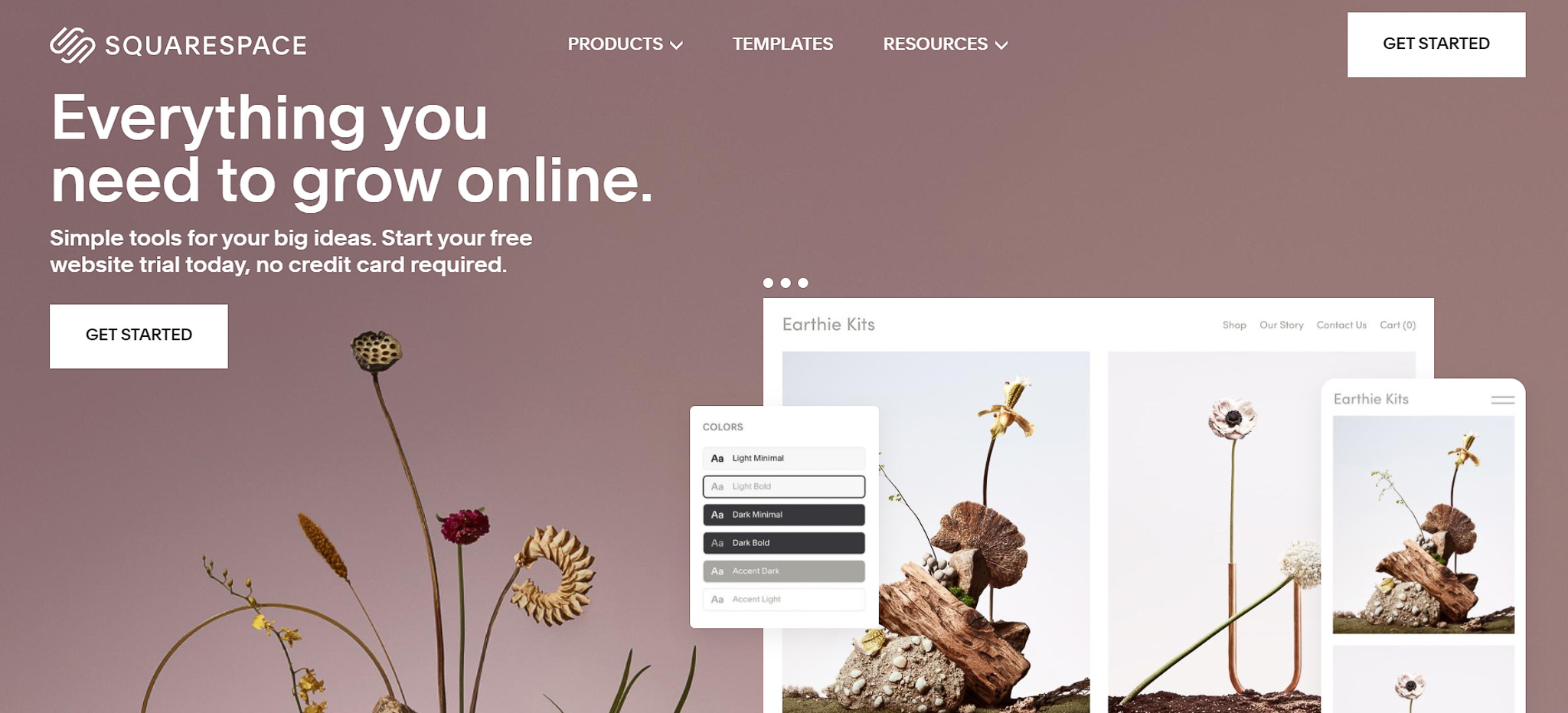
You’ve probably heard of Squarespace, especially if you watch YouTube videos – let’s just say that Squarespace invests a decent amount of money on sponsorships and advertisement to potential interested clients, so there’s a high chance that you have come across one of them.
Squarespace is well known for it’s responsive and beautifully designed templates and it’s easy to use, drag-and-drop platform. It was mostly created to target those who want to easily create a website or blog without any coding skills (although you will need some if you want to tweak the mobile view of your website).
Once you choose a template from the available options, you will no longer be able to change it. On Squarespace, you adjust your design by adding or moving elements to a designed area, so you’re not exactly able to place elements anywhere you want – you’re limited to the structure of the theme and the editor itself. But don’t get me wrong, you can still customise your blog quite a lot!
There aren’t a lot of plugins available, so to have access to more advanced features such as e-mail marketing you might have to work with third-party providers. Nonetheless, with Squarespace you can totally monetise your blog by displaying ads, add affiliate links and sell products on your website.
A great advantage of using Squarespace compared to other platforms mentioned above is the access that you get to stock footage, which is going to come in handy, especially as a travel blogger, since you heavily depend on images for your work.
As for blogging, Squarespace has plenty of great features such as scheduling posts and even being able to integrate your podcasts on it, but the SEO features you get on blog posts are unfortunately reduced compared to what you get on pages.
There are other important points about using Squarespace but since WIX can be fairly similar in some points, I will mention these on the following platform review.
If you decide to go for Squarespace, I have partner up with them to offer you 10% off your first subscription when you click through this link and use the promo code “PARTNER10”
PROS
CONS
In summary: Squarespace is appealing to those who are picky with design and want to develop a beautiful website without having any coding skills, but I honestly wouldn’t consider Squarespace the best platform for travel blogging, and would recommend WordPress.org instead, which provides a much better value for money and functionalities.
WIX
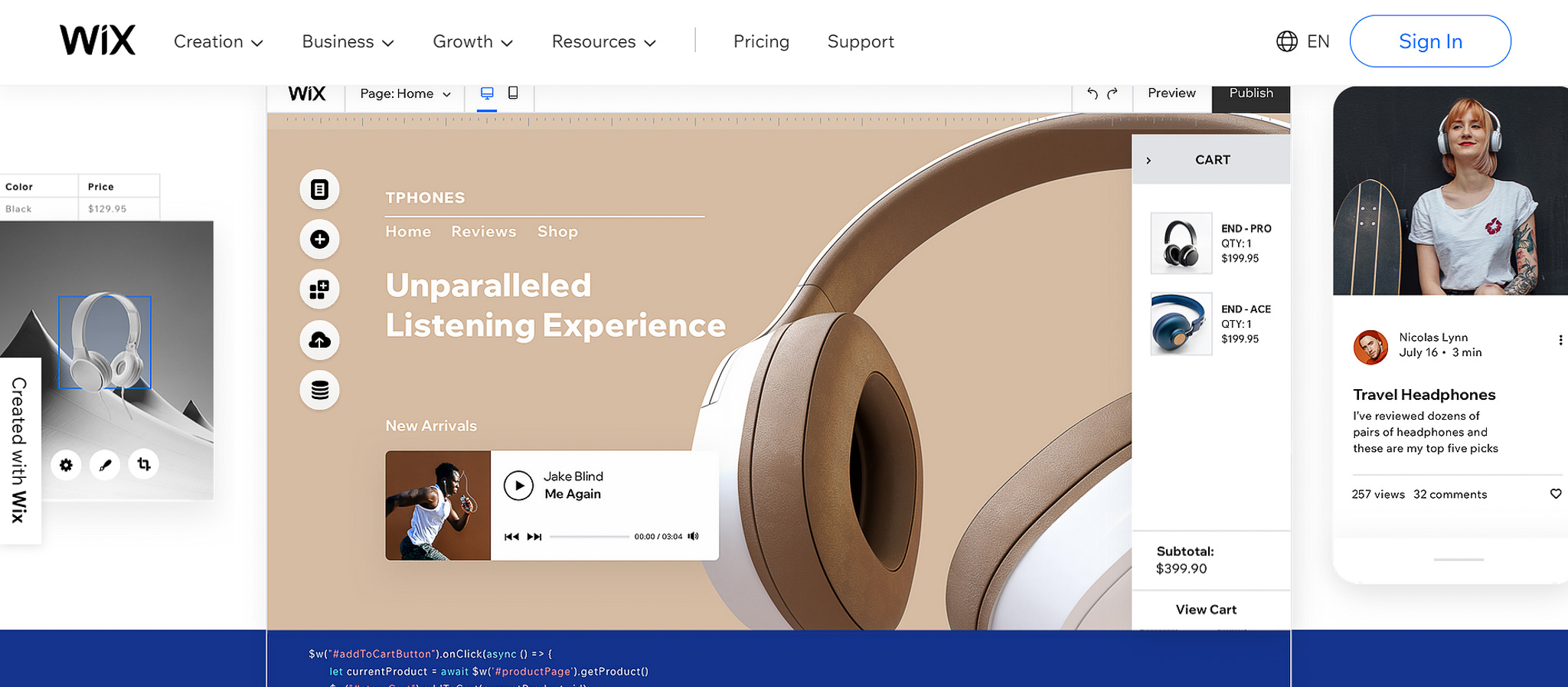
WIX is one of the most popular website building platforms available, and I am not surprised, since they claim that you can build your own website for free, with no coding skills required. I mean, how good is that?? Its free version will have a “.wixsite.com” domain, ad banners and limited access to some features, but you can easily upgrade to a paid plan once you’re ready.
WIX is also often compared to Squarespace since both offer a drag and drop platform with similar benefits – except when you look closely, you realise that they are quite different actually.
While Squarespace offers beautifully designed templates, but only a few options, WIX have a huge amount of templates to choose from (but maybe not as beautiful). Not only templates, WIX offers loads of elements and third party apps and has more functionalities available than Squarespace. This is the case of stuff like bookings, paid plans, events, e-mail marketing and much more, that is only available on Squarespace by working with third party providers. And while having all of these functionalities sounds amazing, this is actually one of the disadvantages of WIX: by trying to offer all possible functionalities, WIX tends to spread themselves too thin, and often, they will release features without fully optimising them, leading to sometimes years of wait until they make the adjustments that should be obvious and crucial to the optimal functionality of the feature. This can be for example releasing paid plans, without creating an option for clients to cancel their own plans or without being able to select a starting date for them. Or even members only pages, without the option to select which type of member can see a specific page. In other words, there will be limitations to most functionalities.
Just like in Squarespace, you also get access to stock footage, you can monetise your blog and once you choose a template, you won’t be able to switch to another one in the future, which is a huge disadvantage comparing to other website building platforms like WordPress.org, which is considered by many as the best platform for travel blogging.
The editor, however, is where you will probably see the biggest differences between these two platforms:
- WIX editor is very clear and pretty straight forward while it might take a little longer to get used to the editor at Squarespace.
- While Squarespace limits where exactly you can place each elements (you work with columns and spacers), on WIX you can literally drag and drop a desired element to anywhere in the page (absolute positioning). This attracts many users as all you have to do is move the elements around, and you will have the flexibility to do it as you please, with no coding required. The problem with this type of editor is that by allowing the users to freely move any element on the page, sometimes, errors can appear, and so, WIX users might spend a fairly good amount of time trying to fix issues that could be avoided if it was a more structured and limited editor. This is especially true when it comes to editing on the desktop version, to then having to edit everything on the mobile version since your elements will be all over the place.
- This flexibility on the WIX editor can cause it to be pretty slow sometimes
- On WIX, you’re able to do changes to your website without publishing them, while on Squarespace, the changes you do are automatically published live as soon as you save them.
- On Squarespace, once you click “save” and leave the editor, all changes are permanent, and you can’t revert them to a previous version (only default), while this is totally possible to do on WIX.
As for blogging, I feel like some of their features fall short just like it happens on other functionalities: it’s limited to when it comes to formatting the text, there’s a maximum of categories that you can apply to a post, users have to sign in to comment on your posts, you can’t fully customise and optimise your blog home page, and there will be other issues along the way that will force you to consider moving out of the platform – to then discover that there isn’t really a easy way to do so, and you might end up copy and pasting every blog post, and so, losing your SEO ranking as a result. Great stuff.
And to finish, another thing I would like to mention is the fact that while starting with a free blog sounds great, the reality is that at some point you will need to upgrade to a Premium plan and that, plus the paid apps you will end up using, can be quite costly at the end of the day. To give you an example, I am currently paying around £400 a year (over £30 a month) to keep my Personal Training website running on WIX thanks to paying for a e-commerce plan + extra features that are not included in the plan.
PROS
CONS
In summary: overall, while they are both great all-in-one easy-to-use platforms, WIX has a free version and much more functionalities, hence why there are still a lot more websites built on it than Squarespace. However, since we’re looking at getting a travel blog, WIX is not necessarily the best platform for travel blogging and I would definitely recommend WordPress.org over it.
Blogger

Blogger, formally known as Blogspot, was kind of the blogging king platform for a while, but those days are now gone. It’s extremely difficult to find good, professional-looking themes and the majority of the tutorials and information you can find online are often outdated. All of that, including the fact that Google has not invested enough on their platform over the years, lead to many users switching over to platforms such as WordPress and creating this idea that the platform is dead – which surprisingly, isn’t actually true.
So let me explain better…
(spoiler alert: it’s a sad story)
Blogger was founded in 1999 and it’s now a Google service that offers the chance to create a blog for free. Back in the day, it was known as Blogspot, and you can still find this name on users who have a free domain on Blogger (for example, www.itraveltheworld.blogspot.com). At the time, when people wouldn’t really sell things online and newsletters weren’t a thing, Blogger had everything you needed, and all popular bloggers were using it. But as you know, technology develops fast and Blogger didn’t keep up with it. While the years went by and Google barely made any changes to the platform to this day, WordPress was created roughly fours years later and gained popularity among bloggers and other website creators, and sadly, Blogger soon turned into a platform directed to beginners, who have never blogged or created a website, and want an easy to use platform where you can just sign in, start creating content and earn money for it, without spending a dime.
But, we already have WordPress.com and WIX for that…
Yes we do. But what Blogger lacks in extra features, it actually makes up for in terms of blogging – and there is a space for this platform in the world of blogging still.
Just like the latest platforms mentioned, Blogger deals with hosting, security and updates for you and it has notorious speed advantages due to its simplicity. I only started experiencing low-speed years later due to having multiple developers codding on my blog.
Unlike all other platforms that claim to be free but require you to upgrade to a paid plan in order to unlock features, Blogger is absolutely free. You can continue to use the free platform for ages without displaying ads or feel like you’re missing out on features. If you’re going to spend any money on Blogger, that’s going to be £10/year to purchase your Google domain and if you want to take it more seriously then, of course, you can spend extra money on things like paid themes, widgets or even freelance work done on your blog – but that’s all outside the Blogger platform.
As for earning money, you’re covered. Since Blogger is part of Google, the platform has easy access to Google AdSense and there are plenty of customisation options if you want to set up your ads manually. But you’re not stuck with AdSense – once you reach a certain amount of monthly views, you can also apply for other Ad management sites and earn a better commission with them. On Blogger you’re also allowed to add your affiliate links and create sponsored posts, and you can definitely sell your own products, except it will be a bit difficult. There are some e-commerce themes available to make this possible (check both Gooyaabi Templates and Sora Templates), but it will require creating a separate blog (which to be fair, it’s fairly easy to do, and you will be able to manage both blogs on the platform within a click). This will require a lot of manual work, and you will surely be missing some important features, so you’re probably better off using a separate website for it, such as Shopify.
The platform is also extremely clean and easy to navigate. You can change the design and layout of your blog, change the HTML code, add widgets included in the platform (which are quite limited I must say) and use third-party functionalities by adding custom HTML/JavaScript.
But as I mentioned, it’s not all roses. While Blogger has a special place in many bloggers’ hearts – after all, for those who start in the early days, this was the best platform for travel blogging, and it feels like their “baby” – they had to accept at some point that to stay on their dear platform, they would either have to accept its limitations, or they had to move out of it. And so, many people moved out (and they continue to do so over the years). This happened to me too back in 2022.
Limitations include silly things such as:
- Customisation: there are limits to customisation unless you’re good with coding. If you’re not, you might want to hire a freelance designer/coder to do these things for you which of course, will cost you money. When I was on Blogger, my blog looked very different from the standard Blogger blog and had plenty of extra functionalities because I worked with a developer on Fiverr which did all of these for me.
- Blogger is a blogging platform – it wasn’t made to create websites – and that is the reason why it looks so basic. There are some quite great third-party themes that do the trick (Gooyaabi Templates and Sora Templates) or again, you can hire a designer to do what you need.
- Not having a table of contents (you can create one with coding but it’s lots of added work for each post)
- Not being able to change the permalinks on a post to remove the date from it – there’s a workaround, but it might mess up your ads and SEO, so it’s not recommended
- Not being able to display a certain amount of posts on your homepage because they’re too long – Blogger will show fewer posts to keep the
the loading speed of the page (no workaround – compress your images, avoid writing super long posts in a row or just accept it)
- Being able to create a members-only blog, but limited to 100 users and not able to have private and public content on the same blog (you would have to create a separate one for that)
- Lack of advanced SEO features
On top of that, while it’s true that on Blogger you don’t have security problems like some users have experienced with WordPress.org, having a website on a platform you don’t own will always be a disadvantage in the sense that Blogger could potentially suspend your blog if they decided that you’re violating their community guidelines. There is also the case that Google could simply decide to terminate the Blogger platform like it has done with other services they had in the past. But if this is your only worry, be aware that you can back up all of your blog (coding and content) manually and while it might not be the easiest thing on earth, you can migrate to WordPress later on.
And because there are fewer and fewer people starting a blog on the platform, Blogger has been kind of forgotten. Thanks to this, and the fact that there is no money involved in the platform, leaving creators feeling discouraged to recommend it (both because of its huge limitations and no financial return), the tutorials you find are often outdated, the Blogger Help Community might not the fastest at replying to your questions and you will certainly feel like you’re alone in this “blogging on Blogger” thing.
I hosted this blog on Blogger for about 4 years and it was functional and beautifully designed. In 2022, after having about 4 different designers helping me for different reasons, the extensive code eventually made my blog slower, and the only solution was to pay a fair amount to have the code made from scratch. I decided to switch to WordPress.org as I wanted to stop relying on designers to do silly changes I would like to do myself, and it took me about 2-3 months to successfully format everything on the new platform.
PROS
CONS
In summary: Blogger is not the best platform for travel blogging but can be ideal for beginners who want to keep their costs to a minimum. The downside to it is that there might come a point when you feel like you have to either switch to another platform or work around the limitations of Blogger, by learning to code, paying a freelancer or having a separate platform for your needs. Because the reality is, there is little to no hope for the future of the platform.
Conclusion
What is the best platform for travel blogging?
If you’ve read the entire post, it becomes quite clear: WordPress.org is the best platform for travel blogging as it offers the best quality-value. That being said, I am not going to say that it is the only way, because it’s not. At the end of the day, there are different platforms for a reason. But it is certainly the best.
If you’re unsure if blogging is something you want to do officially, and just want to start learning the basics before you get into it seriously, or if you simply cannot be bothered to spend any money at the moment, I would 100% recommend Blogger. As for the other options, I believe you will be better served with WordPress over any other platform where you will be spending a reasonable amount of money on paid plans and waste your time and money when you could be investing on a platform you’re probably going to move to in the future.
Oh and finally, before you go ahead and create your own travel blog, make sure you check out our list of things you should know before starting a travel blog.
📍 Did you like this post? Pin it for later